


If you haven't yet, follow us on X (Twitter), Mastodon, or Bluesky to know when we post new articles, and join our Reddit or Subscribe to us on YouTube to check out our content and interact with our awesome community. Thank you for supporting us!
When trying to find out which games can be played on the Steam Deck or not, most people will default to Valve's official system: The Steam Deck Verified system. Valve marks games based on their own internal tests to see which are perfectly playable on the Steam Deck, which are playable with some minor issues here and there, and which aren't playable at all. However, the system isn't perfect, and some games that are Verified are not the best to actually play. But it also goes both ways. There are also lots of Unsupported games that actually are playable on the Steam Deck.
So, in this weekly series, I want to focus on those "Unsupported" games, hence The Unsupported Report. Each week, we will take a look at 2-3 games to see if they are actually unplayable on the Deck, and if they are, we will see if there's a way to make them playable and detail it. With almost 4,800 games rated Unsupported, not counting VR games, I want to take a look and see if these ratings are actually legitimate or if Valve missed something.
Last week, we checked out Trinity Trigger, Just Cause 2, and Jump Force, and for this week, we are checking out the first three games in the Dragon Age series: Origins, 2, and Inquisition.
Dragon Age: Origins
Dragon Age: Origins is rated Unsupported due to Valve working on adding support, so it’s their cookie-cutter response again. However, despite some minor grievances, I would say it should have the “Playable” badge instead.
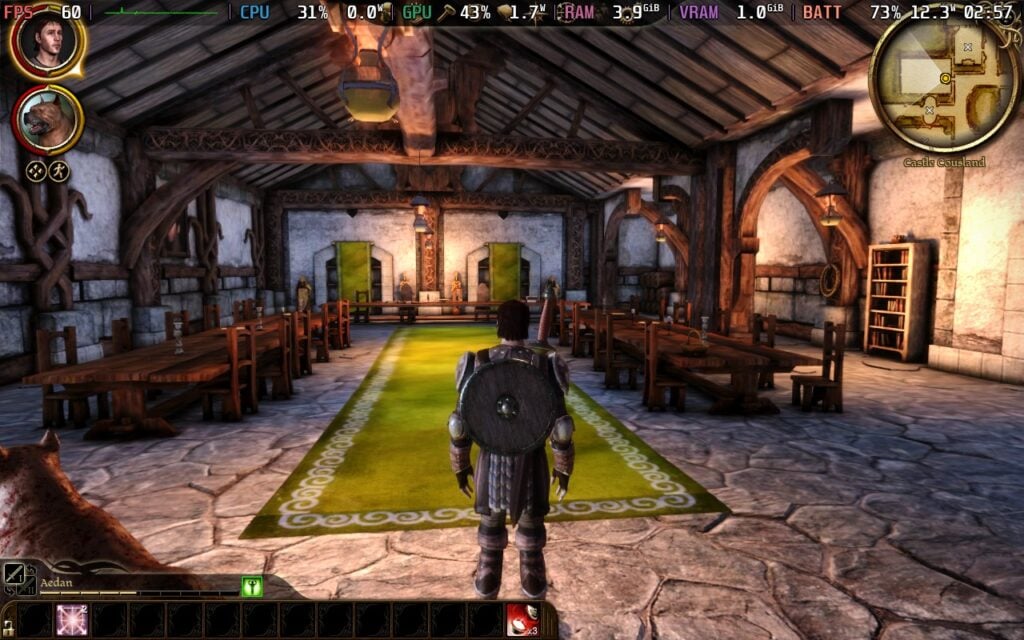
Dragon Age: Origins is actually pretty fantastic to play on the Steam Deck, but it definitely has a couple of big quirks that make it very annoying to get into. First, the game has this launcher that needs a touchpad or KB+M controller scheme. Trying to configure the game via the launcher is a no-go as well, and once you go into that screen, you have to force quit the entire game. Luckily, we can change the graphical quality and resolution in the game directly, so we can essentially ignore the launcher other than to hit Play.
The second is the lack of controller support. This is an issue that plagued both Dragon Age: Origins and Dragon Age 2, and as annoying as it is to play without controller support, it’s still doable. Dragon Age: Origins starts off with a community controller configuration that was easy to understand over time. It’s definitely an improvement over the straight Keyboard and Mouse configuration. It might take some time to get used to it, but it’ll be worthwhile, though I would probably switch the left and right clicks to the LT and RT triggers, respectively.
Otherwise, the game has been very playable for me. It does drain a little bit too much without changing any settings, but I recommend setting the graphics to high, a TDP limit of 8, and GPU clock speed frequency of 1200 to maximize performance and battery life for a smooth 60 FPS.
Checking out ProtonDB, I saw a range of reports, but the only one that struck me as justifying the Unsupported badge is the most recent one that mentions checkerboard artifacting. In my time playing, I didn’t experience this, and the game looks fantastic at the default Proton. If you do experience problems, you can use Proton GE and the RADV_DEBUG=nodcc launch option to fix it. It’s a workaround, but still ultimately playable.
In the end, Dragon Age: Origins is very playable on the Steam Deck, and an experience I would recommend.
Dragon Age 2
As for Dragon Age 2, we face some similar problems with the controllers, but it’s a little better than Origins. The game is rated Unsupported for the same general reason as Origins; Valve is working on adding support, but I’d say the Playable badge would be more accurate here.
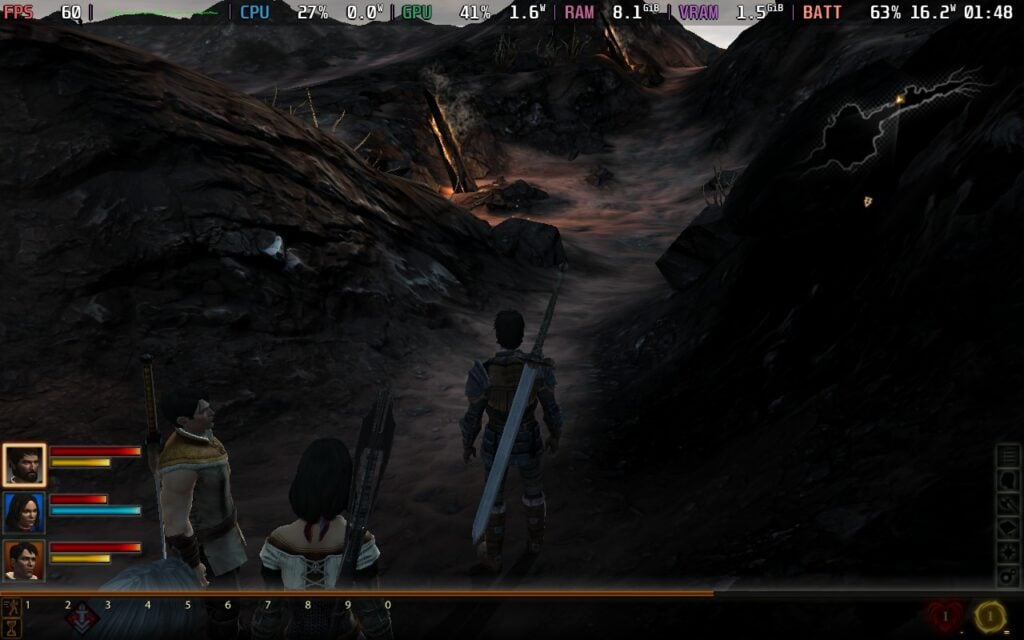
Instead of starting with a launcher, we need to go through the EA App here, which comes with its own slew of problems. Your first launch will need an internet connection, and theoretically, it shouldn’t have problems launching after that. However, I kept getting the error where it wouldn’t find my account info when trying to play offline after playing online, so you may need to be connected to the internet when initially getting into the game.
And just like Origins, we don’t have controller support, but it does default to a great configuration that I loved. It puts the left and right mouse clicks on the gamepad triggers, which helps significantly when taking action. It may take a little bit of time to get used to, but it’s worthwhile and works very well.
As for performance, Dragon Age 2 is more intensive on the Deck, but is still very playable. The game seems to have some bottlenecks, but by turning the GPU Clock Speed Frequency on and setting it to 1600MHz, we can get 60 FPS with Very High settings. It does drain the battery a lot, so I’d ultimately recommend moving it down to High or Medium to save on battery, but it’s playable regardless.
Most of the reports on ProtonDB seem to second this, mentioning issues with EA Play, but it is being very playable with a community controller configuration. It’s ultimately very fun to play this way, and I would definitely recommend it, as long as you have some internet connection.
Dragon Age Inquisition
Dragon Age Inquisition is the only game here where I would say the Unsupported badge is actually justified. It’s a little annoying because it can run on the Deck, but there’s one major issue that can only be addressed by using a third-party compatibility layer.
From my experience, the game just will not start unless we have a custom version of Proton. We will have to manually install it as well, which means heading into desktop mode. There, you will have to search DAI-Proton and download the newest version (1.0.4). Then just drag and drop the file folder that’s inside into the compatibilitytools folder inside the Steam folder. Here’s the exact file location:
I tried using Proton Experimental and the latest GE-Proton, but neither of them worked. I rebooted the device, verified the files, and even re-downloaded the game. But no matter what, every time I tried to boot the game, it would never boot. DAI-Proton is the only version that worked, so it will be required to actually play the game.
But that’s not all. Once you actually get into the game, after going through the EA App, you need to use the touchscreen to go to the options and manually switch over the controls from Keyboard and Mouse to gamepad. If you don’t do this, your controls will not work. It’s definitely a little bit of a process, and it is annoying that we have to get a dedicated compatibility layer that will only really benefit one game. But it does work, and it makes the game actually playable on the Steam Deck.
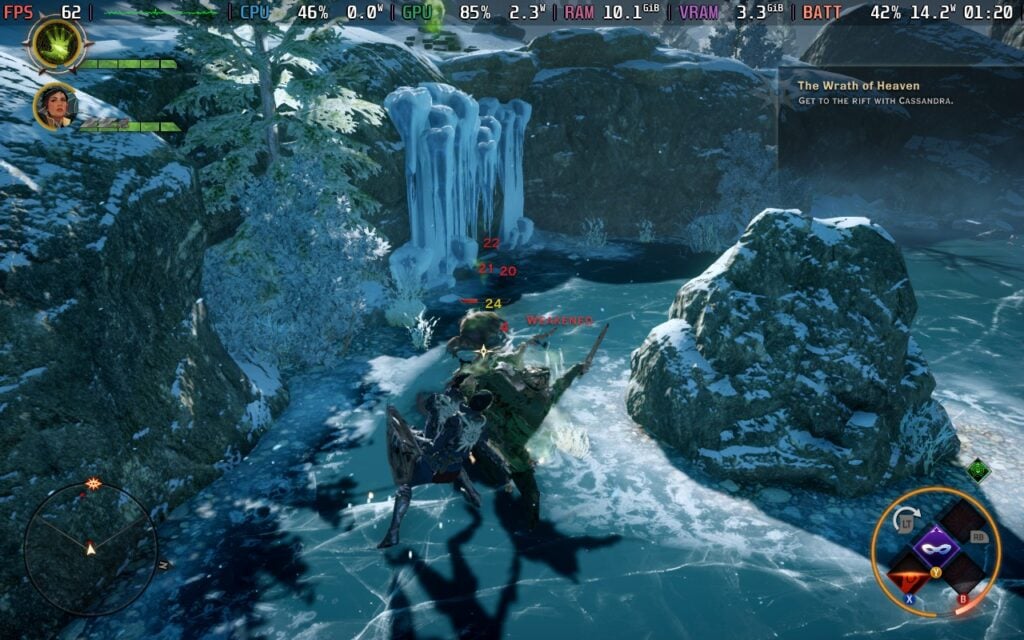
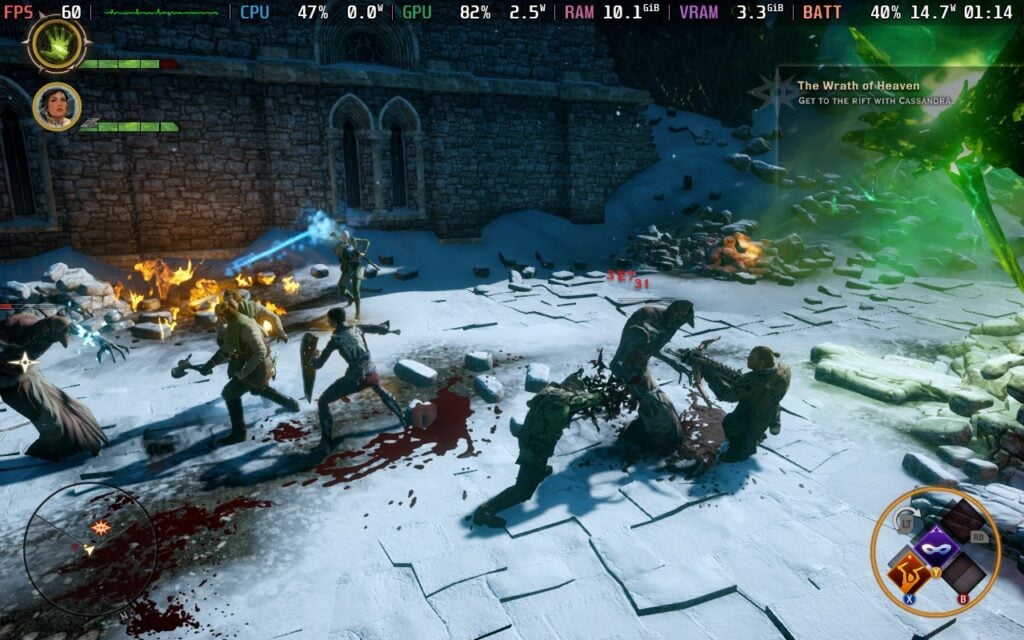
Looking at performance, Dragon Age Inquisition runs quite well. It defaults to low and medium settings, has 1280x800 resolution support, and hits 60 FPS with ease. It can get to 90 as well, but the game drains way too much battery, more than it should. Ultimately, we can set a TDP limit to 9 and still keep the framerate at 60 while bringing the battery drain down to around 14W-15W.
Since this needs a custom Proton and doesn't let us control the game without manually fixing it, the Unsupported badge is justified.
And that's all for this week! It's nice that all of the games work on the Steam Deck, though it is a little annoying having to go through the process to get Inquisition downloaded. Still, it does work and works very well, controlling better than the first two games due to it actually having controller support in the PC version of the game. Though in the end, all of the games are playable and enjoyable on the Steam Deck with solid performance and decent battery life.
If you enjoyed this article, check out the rest of the content on SteamDeckHQ! We have a wide variety of game reviews and news that will help your gaming experience. Whether you're looking for news, tips and tutorials, game settings and reviews, or just want to stay up-to-date on the latest trends, we've got you covered!

RECENT NEWS
Categories
Accessories
Anbernic
Android
ASUS ROG Ally
ROG Xbox Ally
Classics on Deck
Community
Cryobyte33
Deals
Deck Mods
Emulation
Events
Featured Post
Game News
Game News
General Game News
HandheldHQ
Hardware
Lenovo
Linux
MagicX
Nintendo
ONE-NETBOOK
Opinion
Other Reviews
Accessory Reviews
Handheld Reviews
PlayStation
Proton
Retro Handhelds
Anbernic
AYANEO
AYN
GPD
MagicX
MANGMI
Retroid
TrimUI
SDHQ
Steam
Steam Machine
SteamOS
The Unsupported Report
Uncategorized
Uncategorized
Recent Tips & GUIDES
recent reviews






These have been great! Hopefully there will be more coming?
Yes there are!